
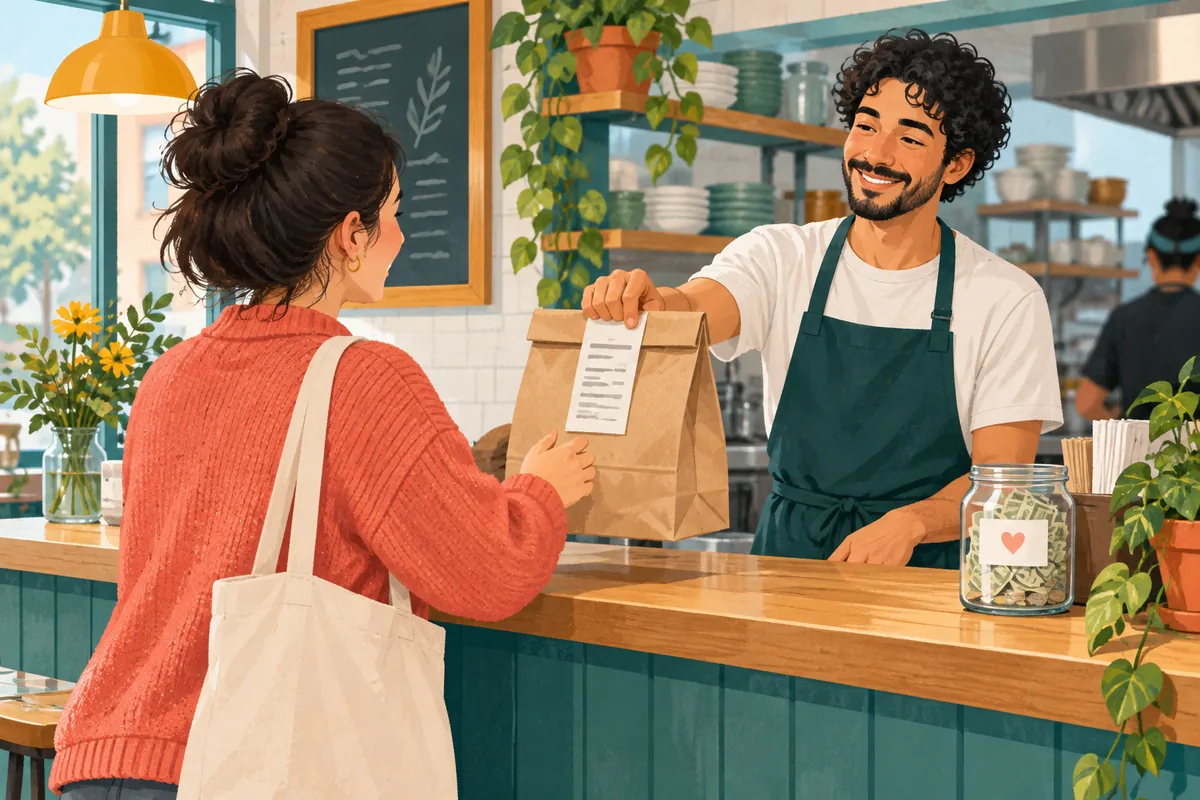
How Much to Tip for Takeout Depends on the Service
When deciding how much to tip for takeout, remember there is no single amount that fits every restaurant, pickup style, order, or location. For routine counter pickup, you can choose no extra tip, round up, or leave an amount you personally want to give. A payment screen offering percentages is a set of buttons; by itself, it does not show what the restaurant expects.
If someone did more than hand over a ready bag, such as carrying it to your car or carefully organizing a large custom order, you may want to recognize that extra help. Decide based on the service you received and local custom. The examples below show arithmetic only; they are not a customary-rate chart or a rule for restaurant workers.
Start with what happened at pickup
Takeout can mean several different handoffs. You may order and pay before arriving, collect a prepared bag at a counter, ask an employee to bring it outside, or arrange a large order that needs extra sorting. Those situations do not involve the same work, so a dine-in percentage should not automatically decide a pickup tip.
Separate the meal from the service around it. The restaurant may have prepared and packed the food, checked special instructions, or carried an order to a vehicle. Think about the work you observed rather than guessing how tips are shared behind the counter. A short pickup may call for no additional amount in your budget; an optional thank-you can still be your preference.
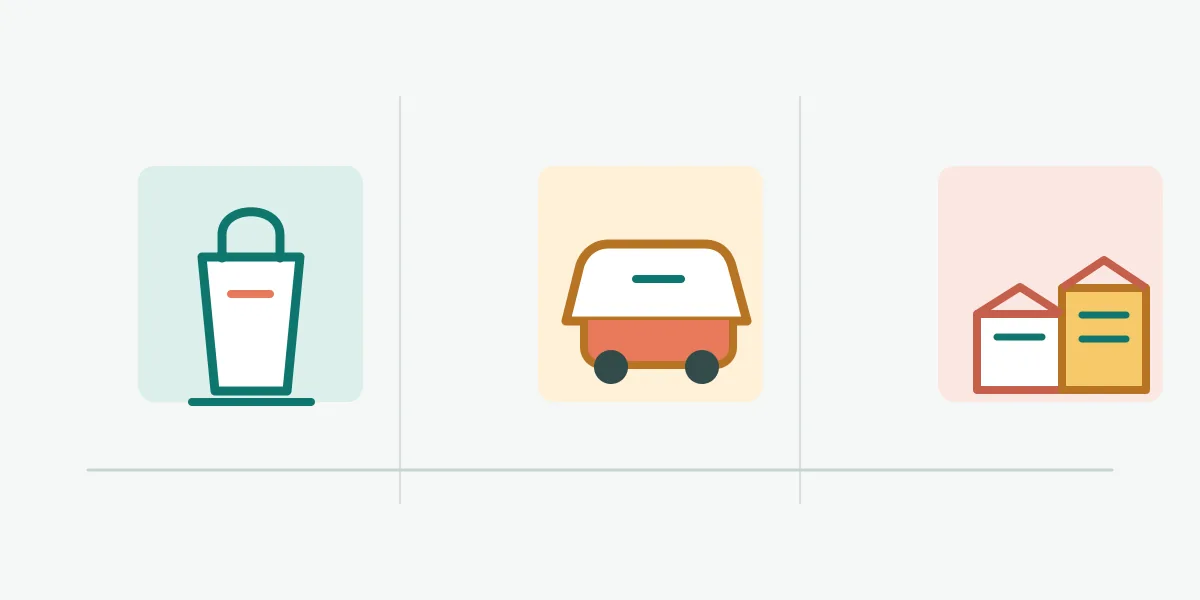
- Routine counter pickupYou collect a ready order. A tip is optional, and the screen's presets do not settle the question.
- Curbside handoffAn employee brings the bag to your vehicle. Consider that extra service if you want to leave something.
- Large or customized orderA complicated order may involve more packing or checking. Choose an amount only if that added work is something you wish to recognize.
Read the receipt instead of guessing from a screen
Look at the order summary for the food subtotal, tax, discounts, service charges, and any line labeled gratuity or tip. A checkout screen can display suggested percentages even when the service is pickup. The presence of those choices does not reveal the restaurant's policy, how a charge is distributed, or whether a charge is mandatory.
If a line is unclear, ask the business what it covers before adding another amount. Keep an optional tip distinct from a required charge in your own calculation. The basic Tip Calculator can add a custom amount to a subtotal, but it cannot read a receipt or determine who receives a fee.
Choose an amount that matches what you want to recognize
Start by deciding whether you want to add anything. Zero is a valid choice when the service was simply a standard pickup or when tipping does not fit your budget or local practice. If you do want to say thanks, a small flat amount or a round-up may be easier to choose than applying a restaurant-dining percentage to a bag you collected yourself.
For a larger order, consider any extra packing or checking you want to recognize. A flat amount, a personal percentage, or no extra amount are all choices; the order total does not set a required tip.
| Pickup context | What you can consider | A clear way to decide |
|---|---|---|
| Ready bag at counter | A simple collection | Choose zero, round up, or another amount by preference. |
| Curbside handoff | An employee brings the order out | Decide whether you want to recognize the extra handoff. |
| Large or customized order | More sorting, packing, or checking | Choose a flat amount if that better reflects the added work. |
| A listed service charge | A separate receipt line | Ask what it covers before deciding whether to add anything. |
Different pickup situations can involve different effort
The visual separates three pickup contexts as a way to compare the handoff, not to rank workers or prescribe a tip scale. Businesses handle orders differently, so use the receipt and the service you actually received.
Worked takeout tip examples
These examples use made-up bill amounts to show how a chosen extra amount changes the total. They do not say that a particular amount is expected. Use the subtotal and tax shown on your receipt, then select the amount you decided on; if your receipt already includes a charge, check its description first.
On a $18.36 pickup order, adding nothing leaves $18.36 due. Choosing $1 makes the total $19.36, while choosing $3 makes it $21.36. The same $1 is about 5.4% of the subtotal and $3 is about 16.3%, but those percentages describe the arithmetic only. Neither one is a universal takeout standard.
| Example subtotal | Chosen extra amount | Total before other receipt lines | What the example shows |
|---|---|---|---|
| $18.36 | $0.00 | $18.36 | No extra amount is added. |
| $18.36 | $1.00 | $19.36 | A selected flat amount adds one dollar. |
| $18.36 | $3.00 | $21.36 | A different choice changes the total by three dollars. |
| $42.60 | $2.00 | $44.60 | The same flat amount can be used on a larger order if that is your choice. |
How discounts, tax, and service charges affect your decision
A discount can change the printed subtotal. If you choose a percentage, decide whether to use the discounted subtotal or another base and apply that choice consistently; a flat amount is another option. No single calculation base is required for every pickup order.
Treat tax as a separate receipt line and avoid adding it twice when the displayed total already includes it. The Tax and Tip Calculator can show subtotal, tax, an optional tip, and total as separate amounts.
A service charge, packaging fee, delivery fee, or automatic gratuity is not automatically an optional tip. Read its label and ask the restaurant what it covers; the amount alone does not show who receives it or whether it replaces another payment.
Cash, card, and shared tips
A checkout screen rarely explains how a business handles cash, card, or pooled tips. If that affects your choice, ask staff instead of assuming that another restaurant follows the same process. If a prompt feels unclear, look for a custom amount or skip option; a percentage button is not proof that you must select it.
For a group order, agree on any extra amount before splitting the receipt. Keep it distinct from food, tax, and required charges, then divide the total using your group's arrangement. The Bill Splitter can divide a known total, but it cannot decide what is fair or how a business distributes tips.
A quick decision process for a takeout order
A short check can keep the screen from making the decision for you. Take a moment to read the receipt and choose your amount intentionally.
- 1. Identify the serviceWas it a ready-bag counter pickup, a curbside handoff, or a large order with extra preparation?
- 2. Check the chargesRead the subtotal, discount, tax, service charge, and any gratuity line before adding a new amount.
- 3. Choose your own basisSelect zero, a flat amount, a round-up, or a percentage you want to use; do not treat a preset as an obligation.
- 4. Confirm the totalMake sure the final amount matches your choice and ask the business if a receipt line is unclear.
Local custom can change what feels normal
Tipping practices vary by country, city, business, and service. A payment terminal's suggestions may not match local practice, and counter workers can have different roles. When traveling, check reliable local guidance or ask the business about an unclear charge. Use this article as a decision process, not a universal etiquette rule or a claim about how tips are distributed.
Takeout tipping questions
Do I have to tip for takeout?
There is no single rule for every place or business. A standard counter pickup can be completed without an extra amount; use local custom and the receipt as context, and do not treat a payment prompt alone as proof of an obligation.
How much to tip for takeout for a simple pickup?
Choose the amount you want to leave, including zero. If you want to add something, a flat amount or a round-up can be easier to choose than applying a dine-in percentage. The examples on this page are arithmetic, not customary rates.
Should I choose the percentage shown on the screen?
Only if that is the amount you want. Preset buttons make amounts available but do not explain the restaurant's policy. Look for custom or skip options, or ask staff if the screen is unclear.
Does a service charge replace a tip?
The label alone may not tell you what a charge covers or how it is handled. Read the receipt and ask the business if the description is unclear before deciding whether to add an optional amount.
Is a larger tip required for a large takeout order?
A larger or customized order may involve more preparation, but the order size alone does not establish a required amount. Consider the work you want to recognize, the receipt, and local custom, then choose an amount that fits your budget.
Choose deliberately, then check the total
To decide how much to tip for takeout, look at the service you received and read each receipt line before confirming payment. A prompt cannot set a universal rate, and a calculator cannot decide local custom. If you choose an amount, make the base clear and check the final total.